ON TAP'S SCREENSHOT FEATURE NOW AVAILABLE FOR ALL. WHO? USE ASSISTANT.....
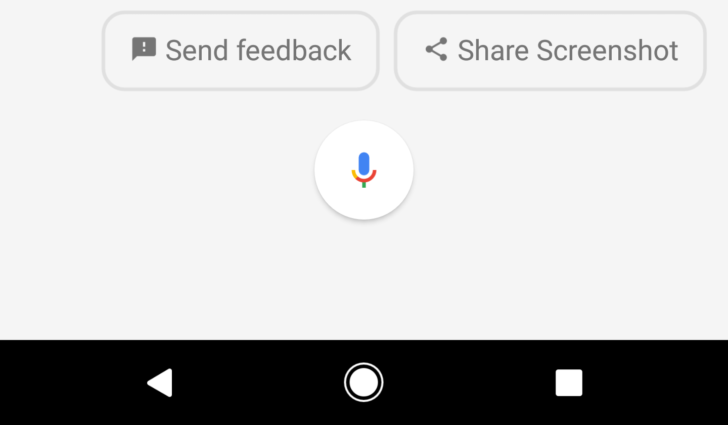
Google have Habit to Introduce new experimental and incomplete Idea's to it's Now Launcher is now part of past but, Google now trying to make Pixel Launcher it's Favorite. some of the useful features of screenshots Sharing were left behind in back time are now part of Pixel Launcher Google is bringing it back in
This feature is now only available for its Pixel and Pixel XL Devices via new Google App update. But, you can easily use doing some simple steps in your mobile to experience once more time,
- Activate Google Assistant In Your Mobile Phone
- Install Lates Google App Beta Version From Apkmirror Google App 6.10.35 beta
- Clear All Google Data From Application Settings.
- When you open Assistant on any screen other than the home screen, you can scroll down to get cards about screen contents.

At the bottom is a new " button. Pressing the share button captures a screenshot and immediately opens the system sharing dialog. Just like the version in On Tap, the status bat icons and nav buttons are hidden in these screenshotsa


ليست هناك تعليقات:
إرسال تعليق